
Your Computer Has A Memory Problem
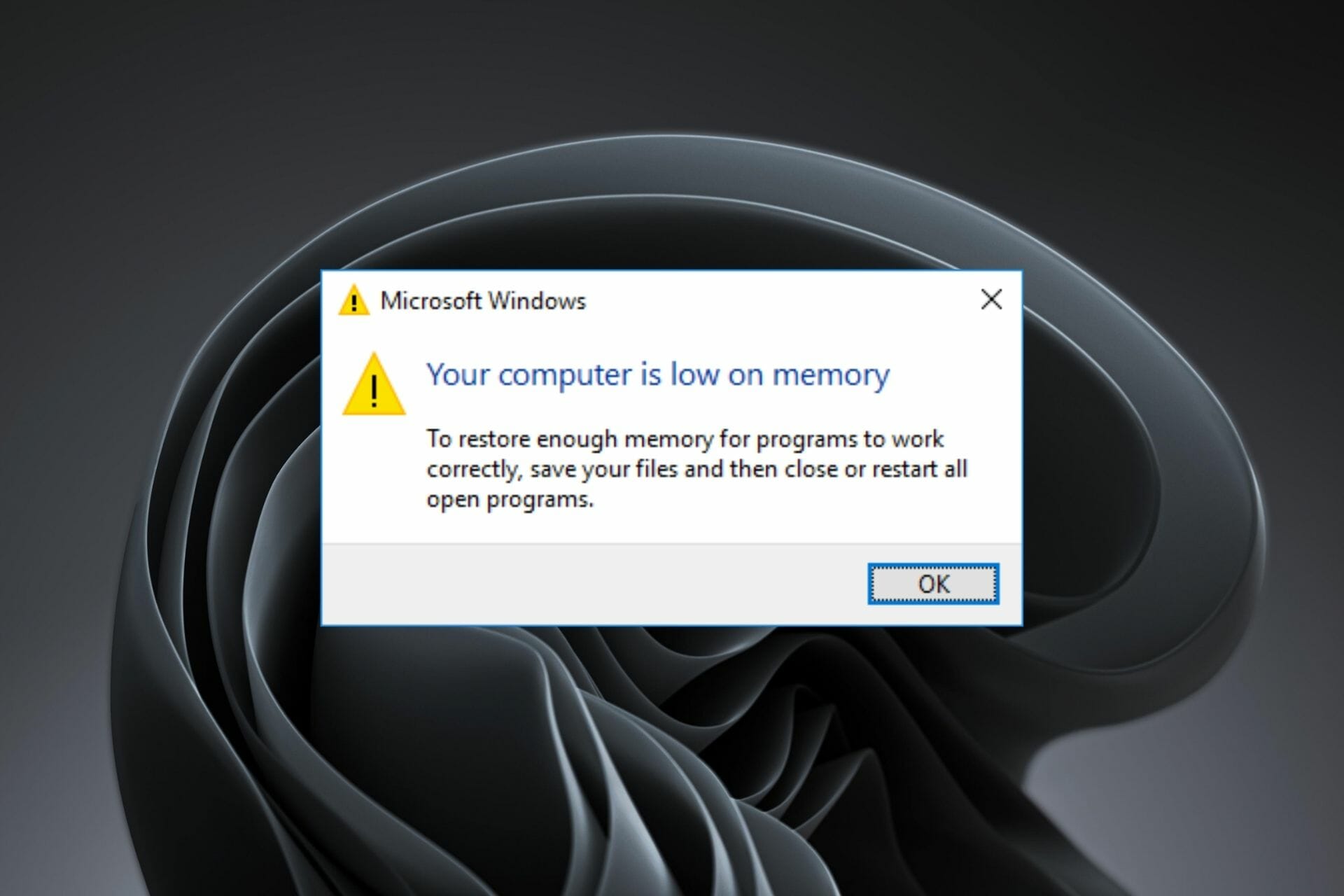
Hey there, tech-savvy friend! You know how sometimes you're mid-Instagram scroll, and suddenly your phone goes, "Whoops, not enough memory!" and kicks you out? Well, your computer can have a similar memory problem, but don't worry, we're not talking about it forgetting your birthday (though if that happens, you should probably have a chat with it).
So, what's the deal with computer memory?
In simple terms, your computer's memory, or RAM (Random Access Memory), is like its short-term memory. It temporarily stores data that your computer is actively using. Think of it like your brain when you're trying to remember a phone number - you can't store too many numbers at once, right? Same deal with your computer.
Now, you might be thinking, "But my computer has a big hard drive! Shouldn't that be enough?" Well, yes and no. Your hard drive is like your computer's long-term memory - it stores all the data even when it's not in use. But when you're actually doing stuff, like browsing the web or editing photos, your computer needs to access that data quickly. That's where RAM comes in.
Must Read
Why does my computer keep saying it's running out of memory?
There are a few reasons why your computer might be crying out for more memory. First, you might be running too many programs at once. Ever tried to juggle three tasks at work while your boss is breathing down your neck? Yeah, it's stressful. Same deal with your computer - too many programs, not enough resources.
Second, some programs are just memory hogs. They might be designed to use up a lot of RAM, even if they don't need to. It's like having that one friend who always invites themselves over and eats all the snacks - not cool, man.
Lastly, your computer's RAM might just be too small for what you're trying to do. If you're into heavy-duty stuff like video editing or gaming, you might need to upgrade your RAM to keep up.
Okay, so how do I fix this memory problem?
First things first, don't panic. Your computer isn't suddenly going to forget how to turn on if it runs out of memory. It'll just start slowing down or freezing up, which can be annoying, but it's not the end of the world.
If you're seeing "low memory" warnings, try closing a few programs you're not using. You can also try ending tasks that are using up a lot of memory. In Windows, you can do this through Task Manager (right-click on the taskbar and select "Task Manager"), and in macOS, you can use the Activity Monitor app.
If closing programs doesn't help, or if you just don't want to have to constantly monitor your memory usage, you might want to consider upgrading your RAM. It's not as scary or expensive as it sounds, and it can make a big difference in how your computer performs.
And hey, if all else fails, you can always just give your computer a nice, firm reboot. Sometimes, that's all it needs to clear its head and start fresh.
But what if I don't want to upgrade my RAM? Can't I just... clean my computer's memory?
I get where you're coming from, but no, you can't "clean" your computer's memory like you would your keyboard or your desk. When your computer runs out of memory, it doesn't suddenly become dirty - it just doesn't have enough space to store all the data it needs.

However, you can "clean" your computer's memory in a different way - by clearing out temporary files and other data that's taking up space. In Windows, you can do this through the Disk Cleanup tool, and in macOS, you can use the Storage Management tool. It's not the same as upgrading your RAM, but it can help free up some space and make your computer run a little smoother.
So, should I just go out and buy more RAM?
Not necessarily. Before you shell out your hard-earned cash, take a look at what you're using your computer for. If you're just browsing the web, checking emails, and watching cat videos (hey, no judgment), then you might not need to upgrade.
On the other hand, if you're into heavy-duty stuff like gaming, video editing, or 3D modeling, then upgrading your RAM could make a big difference. Just make sure to do your research first - not all RAM is created equal, and you want to make sure you're getting the right kind for your computer.
Okay, I think I get it. But why does all this matter, anyway?
Well, friend, it matters because having enough memory can make your computer run smoother, faster, and more efficiently. It can mean the difference between a frustrating, slow computer experience and a smooth, enjoyable one. And let's face it, none of us have time for a slow computer - we've got cat videos to watch!
Plus, understanding how your computer's memory works can help you take better care of it. It's like understanding how your car's engine works - you can't fix it if you don't know how it's supposed to run, right?
Alright, I'm sold. How do I check my computer's memory?
Checking your computer's memory is easy - here's how:
- In Windows: Right-click on the taskbar and select "Task Manager". Then, click on the "Performance" tab and select "Memory". You'll see how much memory is in use and how much is available.
- In macOS: Click on the Apple menu and select "About This Mac". Then, click on the "Memory" tab. You'll see how much memory is in use and how much is available.
And there you have it, folks! You're now a certified memory expert. So the next time your computer starts slowing down, you'll know exactly what to do.
Remember, computers might be complex machines, but they're also tools that we use every day to do amazing things. So don't be afraid to tinker, to learn, and to make your computer work the way you need it to. Because at the end of the day, it's not just a machine - it's an extension of you.
And hey, if all else fails, just remember that your computer can't judge you for binge-watching that show you're not supposed to be watching. That's something, right?